For managing partners and firm administrators
Every attorney and paralegal on one signature, by Friday.
Clients judge a firm on details. When a partner signs with the logo, an associate signs in plain text, and a paralegal signs from a phone, you look like three firms. Staff Signature gives everyone the same signature with your confidentiality notice built in. You set it once; they add their own name and title.
Thank you for your time today. The engagement letter is attached for your review.
Thanks,
 | Eleanor Hart Partner Hart & Keller LLP |
This message may contain privileged and confidential information intended only for the addressee. If you received it in error, please delete it and notify the sender. | |
What your firm sends today. What it could send by Friday.
On the left, the signatures people build on their own. On the right, three built with Staff Signature for three different firms. Yours is built around your brand, and every attorney and paralegal matches it.
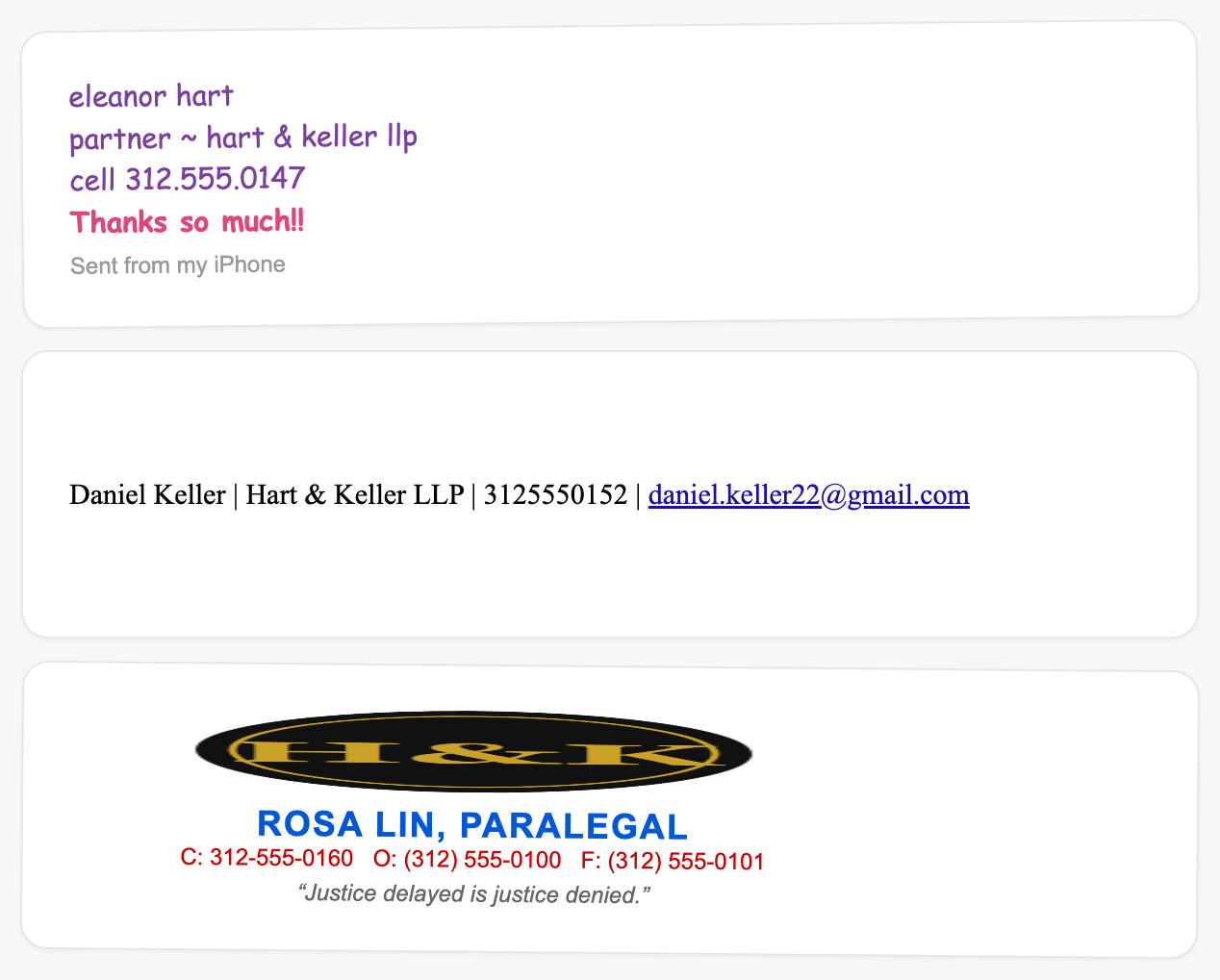
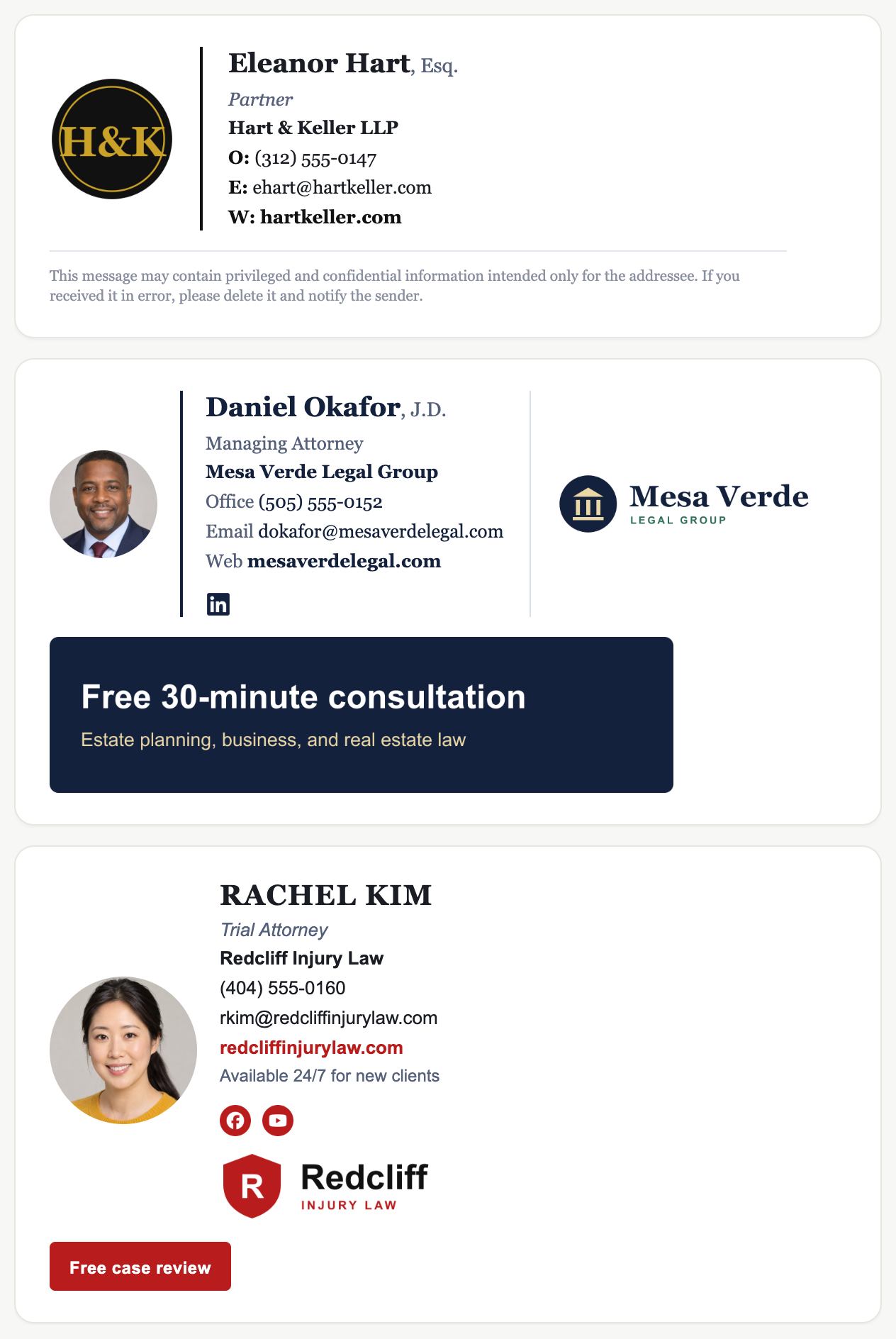
Sample signatures. All people, companies, and contact details shown are fictional.
Your confidentiality notice on every email
Set the notice once, worded exactly as the firm approves it, and it appears under every attorney, paralegal, and assistant.
One firm, not 30 versions of it
Logo, typeface, layout, and links are locked. Staff change their own name, title, and direct line, and nothing else.
New hires matching on day one
Hand them the keyword with their laptop. You see who has installed, and reminders go out on their own.
The math
Signature platforms charge about $1 per person per month on top of a base fee, every month, forever. A 100-person team pays roughly $1,400 a year. Staff Signature is one payment: 100 attorneys and staff for $299, or 250 for the founding price of $499 while 25 of 25 founding spots remain. No renewal.
The guarantee: if fewer than 80% of the people you invite have installed within 14 days, we refund the block in full.
How it works
- 1. Pick a block and a keyword, like HARTKELLER. You land in your Admin Console.
- 2. Set the brand: logo, typeface, colors, and your confidentiality notice. Or upload a screenshot of the signature you already use and we match it.
- 3. Paste your team's emails. Each person gets an invite, adds their name, title, and direct line, and installs. Reminders go to anyone who hasn't.
On Google Workspace, you can skip step 3: we install every signature centrally.